Professionelle Onlineshop Software und kompetente Umsetzung ... alles aus einer Hand!
Sie suchen einen kompetenten Partner, der Ihnen einen professionellen Onlineshop erstellt und an Ihre bereits vorhandene CI (Corporate Identity) anpasst?
Dann sind Sie hier genau richtig.
Jetzt Angebot anfordern »

Die Idee und ihre Fortsetzung
Die xtcModified eCommerce Shopsoftware ist eine kostenlose, unabhängige Weiterentwicklung des Shopsystems xt:Commerce* 3.0.4 SP2.1 der Firma xt:Commerce GmbH und unterliegt der GPL. Sie enthält viele Fehlerkorrekturen & Verbesserungen, trotzdem bleiben Module sowie der Datenbestand kompatibel zu xt:Commerce 3.0.4 SP2.1. Eine einfache Migration Ihrer Daten und Templates ist daher problemlos möglich.
Vor allem Stabilität, Sicherheit und Handhabung stehen bei der xtcModified eCommerce Shopsoftware maßgeblich im Vordergrund. Aber auch ein neues ansprechendes Template auf CSS-Basis wird mitgeliefert, welches beliebig bearbeitet und an Ihre Bedürfnisse angepasst werden kann.


Der Shop wurde bereits von mehr als 100 Fehlern befreit, mit vielen Performanceverbesserungen versehen und enthält ein neues Standard Template, sowie viele nützliche Funktionen rund ums shoppen und administrieren.

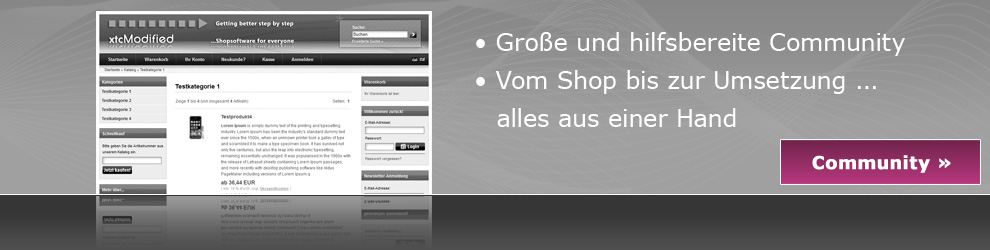
Ein Entwicklerteam und eine freundliche Community sind täglich dabei, den Shop noch fehlerfreier und besser zu gestalten. Auch Sie können Teil dieser Community werden und Ihre Fragen und Beiträge in unserem Forum veröffentlichen.

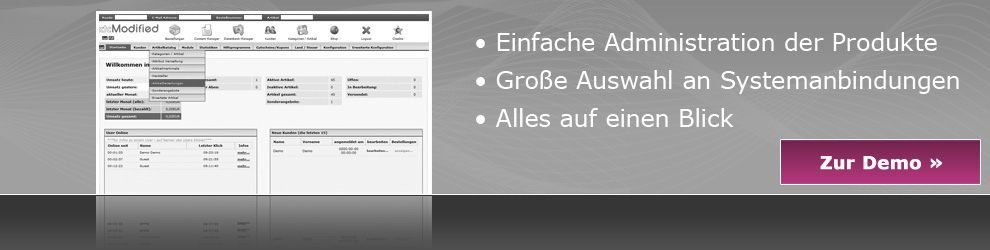
Lernen Sie den Shop mit Hilfe unseres Demoshops kennen. Sie können den Shop komplett auf Herz und Nieren testen. Sie brauchen sich lediglich anzumelden und beliebige Testbestellungen ausführen. Hier geht es zu den Demoshops.

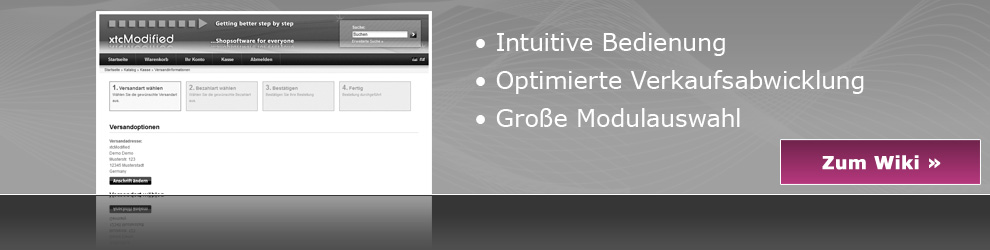
Unser von der Community gepflegtes Wiki wird ständig erweitert. Es enthält wertvolle Informationen für die Anpassung Ihres persönlichen Onlineshops. Erweitern Sie das Wiki mit Ihren persönlichen Erfahrungen und nutzen Sie unsere Wissensdatenbank um Ihren Shop zu verfeinern.

Unsere Trunk Version hält Sie ständig auf dem Laufenden und informiert Sie über Neuerungen die in die nächste Shopversion integriert werden. Natürlich ist es ebenfalls möglich diese Version in unseren Demo Shops zu testen.

Durch weitere Partner und Dienstleister wird das Shopsystem ständig weiterentwickelt. Somit ist eine stetige Shoperweiterung und -verbesserung gewährleistet. Mehr als 50 Module für unterschiedlichste Verwendungsmöglichkeiten sind bereits verfügbar.
Wir möchten Sie von unserem Produkt überzeugen, so wie wir es von diesem Produkt sind. Testen Sie unverbindlich die Funktionsvielfalt unseres xtc-modified Shops und werden Sie Teil der Community.
Wir wünschen Ihnen viel Spaß bei Ihrer Erkundungstour und würden uns freuen Sie als aktives Communitymitglied begrüssen zu dürfen.
Ihr xtcModfied Team



- Kontakt | Datenschutz | Impressum
- Sitemap
- RSS
- WAP2
- Template based on Noize by DezinerStudio
*xt:Commerce ist ein geschützter Name der Firma xt:Commerce GmbH.
xtcModified und deren Produkte stehen in keinem geschäftlichem oder sonstigen Verhältnis zur xt:Commerce GmbH.